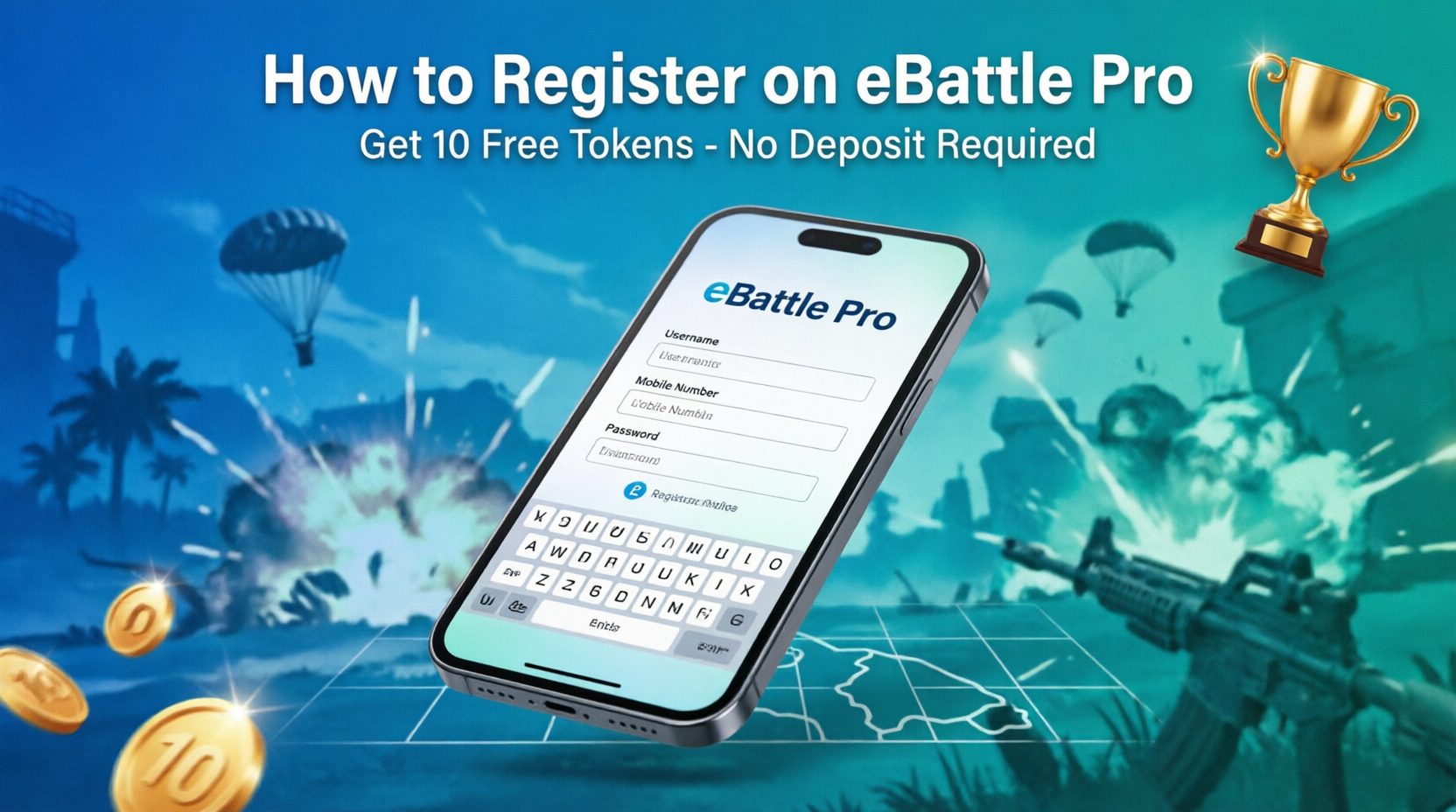
How to Register on eBattle Pro: Complete Step-by-Step Guide 2026
Introduction
Welcome to eBattle Pro, Bangladesh's premier Free Fire tournament platform where you can play, compete, and earn real money without any deposit! In this comprehensive guide, we'll show you the exact registration process with screenshots to help you create your account in less than 2 minutes.
The best part? You'll receive 10 FREE tokens instantly upon registration - no deposit required!
Why Choose eBattle Pro?
- No Deposit Required - Start playing immediately without investing money
- Instant 10 Tokens - Get free tokens immediately after registration
- Simple Registration - Just fill in basic details and you're done
- Multiple Earning Options - Win tokens through tournaments, challenges, and daily activities
- Flexible Withdrawals - Cash out via bKash, Nagad, Rocket, or Binance
- Rewards Shop - Use tokens to buy Free Fire diamonds, memberships, gaming gadgets, and internet packages
Registration Requirements
Before you start, make sure you have:
- ✓ A valid mobile number (for account verification and withdrawals)
- ✓ A valid email address (optional but recommended)
- ✓ Stable internet connection
- ✓ Android smartphone (version 5.0 or above)
Step-by-Step Registration Process
Step 1: Download the eBattle Pro App
Visit the official website ebattlepro.com or search for "eBattle Pro" on Google Play Store. Download and install the application on your Android device.
Step 2: Open the App and Navigate to Register
Launch the eBattle Pro app from your home screen. On the welcome screen, you'll see two options - tap the "SIGNUP" button (teal/green color) to begin registration.
Step 3: Fill in Your Personal Information
You'll see the registration form with the following fields. Fill them carefully:
Field 1: First Name *
Enter your first name (required field). Example: "Mohammad" or "Fatima"
Field 2: Last Name *
Enter your last name (required field). Example: "Rahman" or "Akter"
Field 3: Username *
Choose a unique username (required field). This will be your gaming identity on eBattle Pro. Choose something memorable and professional. Example: "ProGamer96" or "FireKing"
Important: Username cannot be changed later, so choose carefully!
Field 4: Mobile Number
This section has two parts:
- Code: Click the dropdown and select your country code (for Bangladesh, select +880)
- Mobile Number: Enter your active phone number without the country code. Example: If your number is +8801712345678, enter "1712345678"
Note: This is crucial for withdrawals and account verification!
Field 5: Email (Optional)
Enter your valid email address. While this field is optional, we highly recommend providing it for:
- Account recovery if you forget your password
- Important notifications and updates
- Special offers and promotions
Field 6: Referral Code (Optional)
If you have a referral code from a friend, enter it here. This benefits both you and your friend with bonus tokens. If you don't have a code, you can leave this field blank.
Field 7: Password *
Create a strong password (required field). Follow these guidelines:
- Minimum 6 characters (recommended 8+ characters)
- Use a mix of letters and numbers
- Include special characters for extra security (!@#$%)
- Make it memorable but hard to guess
- Don't use obvious passwords like "123456" or "password"
Tip: You can tap the eye icon 👁️ to show/hide your password while typing.
Step 4: Review Your Information
Before submitting, double-check all the information you've entered:
- ✓ Names are spelled correctly
- ✓ Username is exactly what you want
- ✓ Mobile number is correct and active
- ✓ Email is valid (if provided)
- ✓ Password is strong and memorable
Step 5: Complete Registration
Once everything is correct, tap the "SIGNUP" button (teal/green button at the bottom). Your account will be created instantly!
Step 6: Account Verification (If Required)
You may receive a verification code via SMS on your mobile number. Enter the code to verify your account and activate it fully.
Step 7: Receive Your Welcome Bonus
Congratulations! Upon successful registration, 10 tokens will be automatically credited to your wallet. You can see this in the "My Wallet" or "Account" section.
What Each Field Means - Detailed Explanation
First Name & Last Name (Required)
These fields help identify you as a real person. Use your actual name or a name you're comfortable with. This information may be used for:
- Account verification
- Customer support
- Withdrawal processing
Username (Required)
Your username is your gaming identity on eBattle Pro. It will be visible to:
- Other players in tournaments
- Leaderboards
- Match results
Username Tips:
- Keep it short and memorable
- Avoid special characters (use letters and numbers only)
- Make it unique - it must not be already taken
- Choose something professional and gaming-related
Mobile Number (Required)
This is the most important field! Your mobile number is used for:
- Account Security: Two-factor authentication
- Withdrawals: Money is sent to this number via bKash/Nagad/Rocket
- Account Recovery: If you forget your password
- Notifications: Tournament updates and results
Important: Always use your own active number. Don't use someone else's number!
Email Address (Optional)
While optional, providing an email is highly recommended for:
- Password recovery
- Account security
- Receiving newsletters and promotions
- Important platform updates
Referral Code (Optional)
If a friend invited you to eBattle Pro, they should give you their referral code. Benefits include:
- You get bonus tokens
- Your friend gets bonus tokens
- It's a win-win situation!
Don't have a code? No problem! You can still register and earn tokens through other methods.
Password (Required)
Your password protects your account and earnings. Follow these best practices:
- Length: At least 8 characters
- Complexity: Mix of uppercase, lowercase, numbers, and symbols
- Uniqueness: Don't use the same password as other accounts
- Security: Never share your password with anyone
After Registration - What's Next?
1. Complete Your Profile
After logging in, you may want to:
- Add a profile picture
- Link your Free Fire UID
- Verify your email (if provided)
2. Explore Your Wallet
Check your wallet balance - you should see 10 tokens already there! Your wallet shows:
- Total Balance: Your total tokens
- Win Money: Tokens earned from winning
- Join Money: Tokens from registration and activities
3. Join Your First Tournament
With your 10 free tokens, you can:
- Browse available tournaments
- Join Free Fire Challenge (5 tokens)
- Battle Royale matches
- Clash Squad competitions
- Craftland tournaments
4. Earn More Tokens
Multiple ways to boost your balance:
- Watch & Earn: Watch videos daily for tokens
- Refer & Earn: Invite friends and get bonus tokens
- Daily Code Rewards: Redeem daily codes
- Lucky Draw: Try your luck to win prizes
- Win Tournaments: Compete and win match prizes
- Complete Challenges: Finish gaming challenges
5. Withdraw Your Earnings
When you have enough tokens, go to "Withdraw Money" section:
- bKash: Instant withdrawal to bKash
- Nagad: Fast and secure
- Rocket: DBBL Rocket support
- Binance: Cryptocurrency option
Note: You can only withdraw "Win Money" (tokens earned from winning tournaments).
6. Shop for Rewards
Visit "Shop Now" to purchase:
- Free Fire Evo Access (30 Days) - 220 tokens
- Free Fire Monthly Membership - 700 tokens
- Free Fire Weekly Membership - 140 tokens
- Free Fire Diamonds via UID Top-up
- Gaming gadgets (Mobile coolers, combo packs)
- Internet packages (GP 30GB - 300 tokens)
- Grameenphone data packs
- Magnetic mobile coolers
- 5 in 1 Mobile Game Combo Pack
Common Registration Issues & Solutions
Problem 1: "Username already taken"
Solution: The username you chose is already used by someone else. Try:
- Adding numbers to your username
- Using a different variation
- Making it more unique
Problem 2: "Mobile number already registered"
Solution: This number is already associated with an account. Options:
- Try logging in with that number
- Use a different mobile number
- Contact support if it's your number but you can't access the account
Problem 3: "Password too weak"
Solution: Your password doesn't meet security requirements. Make it:
- Longer (at least 6-8 characters)
- More complex (add numbers and symbols)
- Less obvious (avoid "123456", "password", etc.)
Problem 4: Can't receive verification code
Solution:
- Check if mobile number is correct
- Ensure you have network coverage
- Wait 2-3 minutes and request code again
- Check if your phone has storage for SMS
- Contact support if problem persists
Problem 5: App crashes during registration
Solution:
- Check your internet connection
- Update the app to latest version
- Clear app cache and try again
- Restart your phone
- Reinstall the app if needed
Problem 6: "Invalid email format"
Solution: Make sure your email follows correct format:
- Example: username@gmail.com
- Must have @ symbol
- Must have domain (.com, .net, etc.)
- No spaces allowed
Important Tips for New Users
- Use Real Information: Provide accurate details for smooth withdrawals
- Verify Mobile Number: Essential for account security and transactions
- Remember Your Password: Save it securely - you'll need it to login
- Start with Free Tournaments: Use your 10 free tokens to practice
- Check Daily Rewards: Don't miss daily code rewards
- Refer Friends: Best way to earn passive tokens
- Read Tournament Rules: Understand match formats before joining
- Keep App Updated: Always use the latest version for best experience
- Secure Your Account: Never share your password or OTP
- Withdraw Regularly: Don't let tokens accumulate - withdraw when you reach minimum limit
Registration Do's and Don'ts
✅ DO's:
- Use your real name or a name you're comfortable with
- Choose a unique and memorable username
- Provide an active mobile number you own
- Create a strong, unique password
- Use a valid email address (optional but recommended)
- Enter referral code if you have one
- Double-check all information before submitting
- Save your login credentials securely
❌ DON'Ts:
- Don't use fake or temporary phone numbers
- Don't create multiple accounts (will be banned)
- Don't use someone else's information
- Don't share your password with anyone
- Don't use obvious passwords like "123456"
- Don't skip mobile verification
- Don't use special characters in username
- Don't forget your password - recovery can be difficult
Security Best Practices
Protect Your Account:
- Strong Password: Use 10+ characters with mix of letters, numbers, and symbols
- Never Share: Don't share password, OTP, or verification codes
- Logout: Logout from shared devices
- Update Regularly: Change password every 3-6 months
- Beware of Scams: eBattle Pro will never ask for your password
Understanding Token System
How Tokens Work:
Tokens are the virtual currency on eBattle Pro. Here's what you need to know:
Earning Tokens:
- Registration Bonus: 10 tokens (one-time)
- Daily Login: Earn tokens daily
- Watch Videos: Get tokens for watching
- Win Matches: Earn tokens by winning tournaments
- Refer Friends: Get tokens for each referral
- Daily Codes: Redeem codes for free tokens
Using Tokens:
- Join Tournaments: Pay entry fees with tokens
- Withdraw Cash: Convert tokens to real money
- Buy Items: Purchase diamonds, memberships, gadgets
- Lucky Draw: Buy lottery tickets
Conclusion
Registering on eBattle Pro is quick, easy, and completely free! The registration process takes less than 2 minutes, and you'll receive 10 tokens instantly - no deposit required.
Just remember to:
- Fill in all required fields (marked with *)
- Use your real mobile number for withdrawals
- Choose a strong password
- Save your login credentials
With your 10 welcome tokens, you can immediately start participating in Free Fire tournaments and earning real rewards. Whether you want to withdraw cash, buy Free Fire diamonds, get gaming accessories, or purchase internet packages - eBattle Pro has everything in one platform.
Ready to start your gaming journey? Download eBattle Pro now, complete the simple registration, and claim your 10 free tokens today!
Frequently Asked Questions (FAQs)
Q1: Is registration on eBattle Pro free?
A: Yes! Registration is 100% free and you get 10 tokens instantly without any deposit required.
Q2: Can I register with any mobile number?
A: Yes, you can use any active mobile number from Bangladesh or other supported countries. Just select the correct country code.
Q3: Is email mandatory for registration?
A: No, email is optional. However, we highly recommend providing it for account recovery and important notifications.
Q4: Can I register multiple accounts?
A: No, one person can only have one account. Multiple accounts will be detected and banned permanently.
Q5: What if I forget my password?
A: Use the "Forgot Password" option on the login page. You'll receive a reset link on your registered email or mobile number.
Q6: Can I change my username after registration?
A: No, usernames are permanent and cannot be changed. Choose carefully during registration!
Q7: How long does registration take?
A: The entire process takes less than 2 minutes if you have all information ready.
Q8: What is a referral code?
A: A referral code is a unique code from an existing user. If you use it, both you and your friend get bonus tokens.
Q9: I didn't receive my 10 tokens. What should I do?
A: Check your wallet balance in "My Wallet" section. If tokens don't appear within 10 minutes, contact customer support.
Q10: Is my personal information safe?
A: Yes, eBattle Pro uses encryption and security measures to protect all user data and privacy. Your information is never shared with third parties.
Q11: Can I use the same mobile number for bKash withdrawal?
A: Yes! The mobile number you use for registration should be the same number registered with bKash/Nagad/Rocket for smooth withdrawals.
Q12: What if I enter wrong mobile number?
A: Contact customer support immediately. You may need to verify your identity to change the mobile number.