Download & Start Winning
Battle Mania App
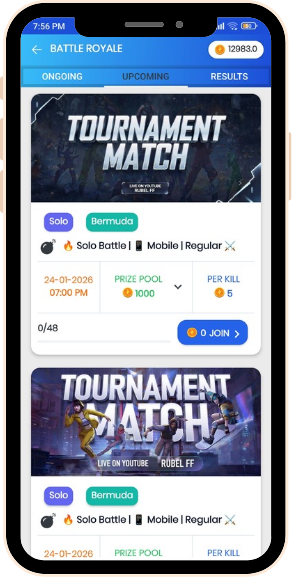
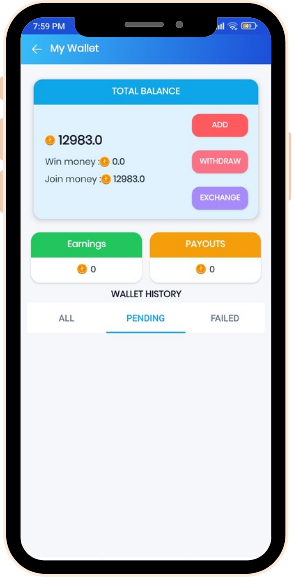
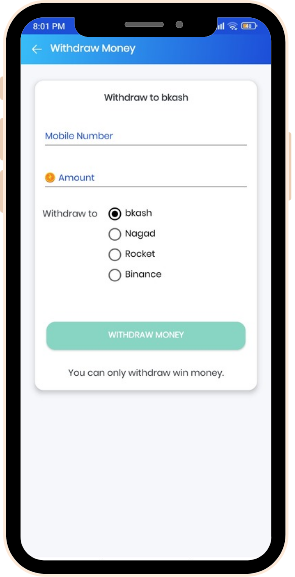
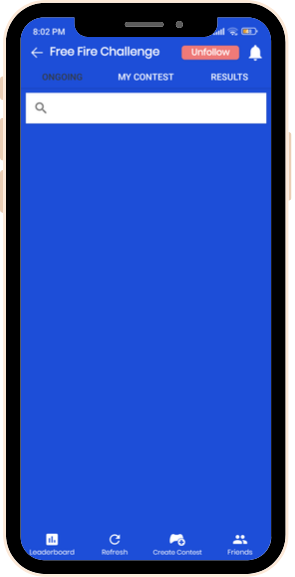
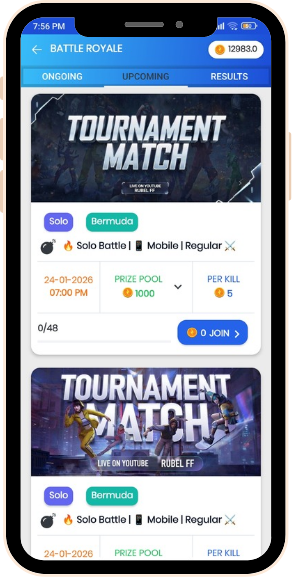
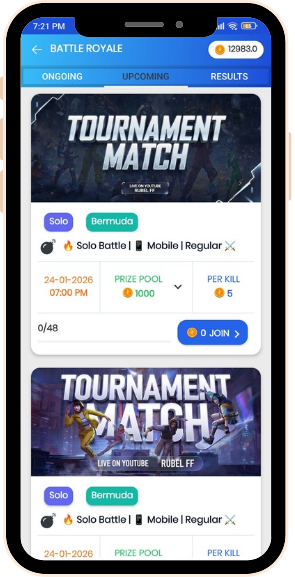
App Screenshot

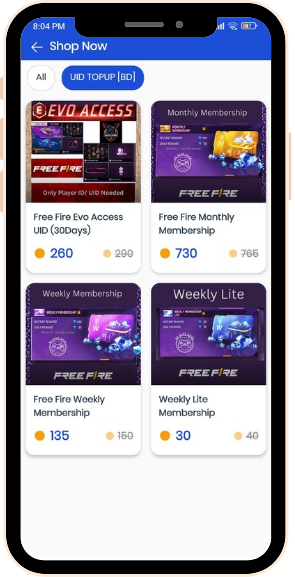
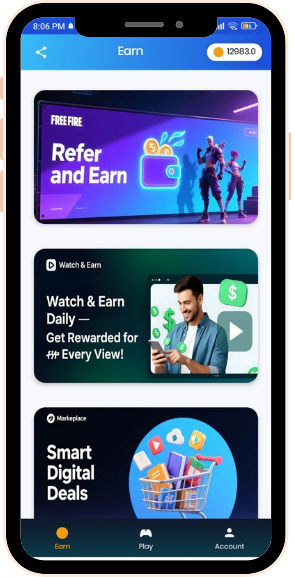
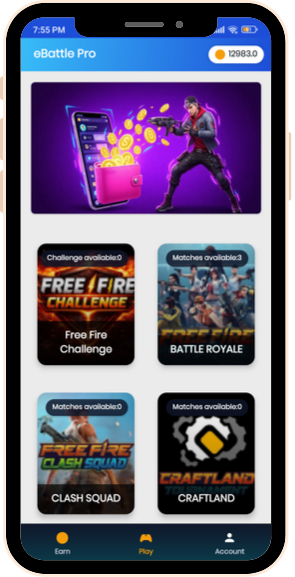
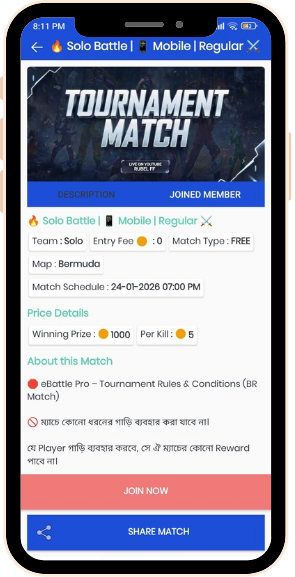
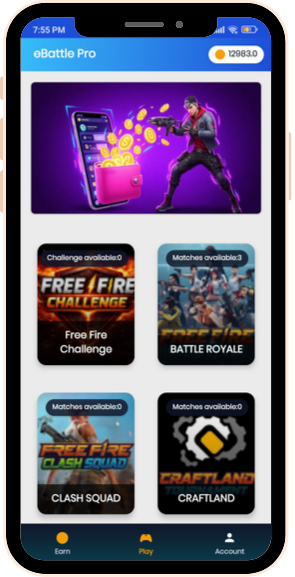
Check the screenshots below to get an idea of the app flaw and the features.
Features

eBattle Pro is built to give you a smooth, trusted and exciting tournament experience.

Tournaments

BATTLE ROYALE

Top 10 players

🏆 Pro Ramadan Showdown 🏆
Solo Bermuda
🏆 Pro Ramadan Showdown 🏆
6/100
15-03-2026 03:20 PM
Win Prize 600
Per Kill 5
0 Join >
🏆 Pro Ramadan Showdown 🏆
Solo Bermuda
🏆 Pro Ramadan Showdown 🏆
10/100
15-03-2026 03:00 PM
Win Prize 600
Per Kill 5
0 Join >

Top 10 players

Place User Wins
#1
fahimxpro
17351.00
#2
siam.77
15916.00
#3
arifxyt
13698.00
#4
tanvir_77
10198.00
#5
ZynxRafi
9365.00
#6
arif_2k
7136.00
#7
Firozen
7021.00
#8
k9r_blaze
6399.00
#9
ProNayeem
5219.00
#10
CrazyImran
5136.00
How To Play

Begin Your Game Now

How To Play

How To Play

Start Your Tournament Journey

Follow these quick and simple steps to register, compete, and receive your prize money on the eBattle Pro platform:

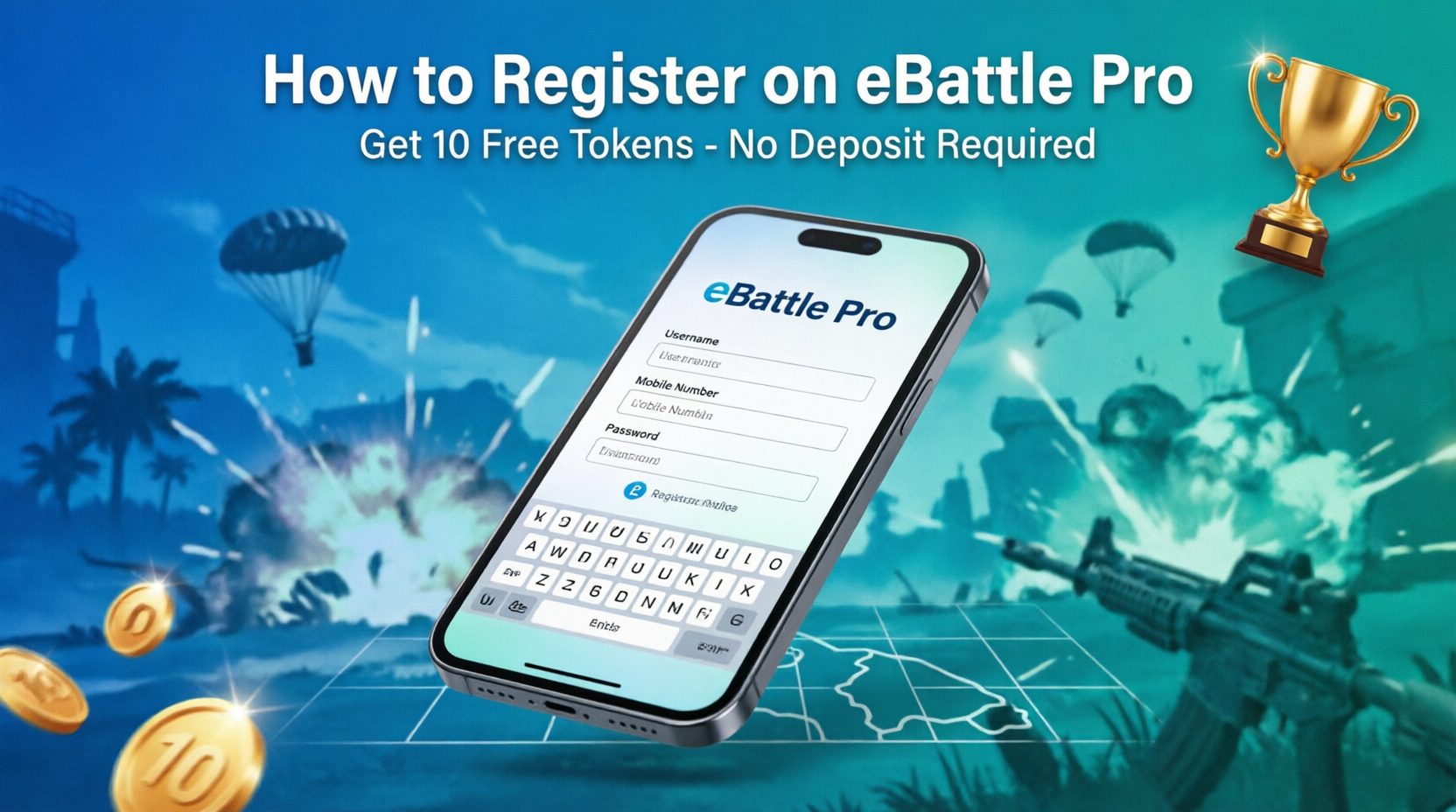
  1. Register in the App: Open eBattle Pro and create your secure account with your basic information and mobile number.
  2. Browse Active Matches: Check the list of available daily tournaments. Select your preferred mode (Solo, Duo, Squad, FPP, or TPP).
  3. Confirm Your Details: Complete your match registration by adding your accurate Free Fire ID and paying the entry fee (if applicable).
  4. Wait for Lobby Details: The Room ID and Password will be shown directly in the app 10–15 minutes before the match is scheduled to start.
  5. Join the Match: Enter the Free Fire lobby on time and play the match according to the strict fair play rules of eBattle Pro.
  6. Upload Your Result: Immediately after the match ends, submit a clear, mandatory screenshot of your result for verification.
  7. Collect Your Earnings: Once results are officially verified, your rewards (including Kill Rewards) will be added to your in-app wallet automatically.

Note: Always ensure you follow the Fair Play Rules to avoid immediate disqualification.

What To Do

What To Do Next: Quick Guide

  • Account Setup: Ensure your Free Fire ID and in-game name are correctly updated in your profile right after registration.
  • Match Selection: Browse the active match schedule daily. Select the tournament mode (Solo, Duo, Squad) and entry fee that suits you best.
  • Lobby Details: Once registered, check the app 15 minutes before the scheduled time to get the secure Room ID and Password.
  • Play Fair: Always maintain fair play. We only support mobile gaming and strictly prohibit emulators, hacks, or teaming.
  • Get Rewarded: Compete to win, and remember to submit your result screenshot immediately after the match to ensure quick prize verification and credit to your wallet.

Note: We host tournaments 24/7. More participation means more opportunities to earn Kill Rewards.

What To Do
Money Prizes

Money Prizes

Prize Money & Fast Withdrawal

Understanding how you receive your winnings is simple and transparent on eBattle Pro:

  • Prize Credit: Once match results are verified by the admin team, your winnings (including all Kill Rewards) are credited to your secure in-app wallet within 30 minutes.
  • Fast Withdrawal: You can request a withdrawal of your wallet balance at any time. Withdrawal requests are processed quickly and safely, usually within 24 hours.
  • Secure Payouts: We support reliable local payment methods to ensure you receive your money without hassle.
  • Keep Competing: All winnings remain in your wallet, allowing you to easily reuse funds to join bigger tournaments and increase your earning potential.

Note: Always ensure your account details are correct to prevent any delay in processing your payouts.